|
Home / Modeling / Auxiliary Tools / Find Contacting Faces
Find Contacting Faces
The faces contacting the specified bodies or faces are found and listed.
-
Specify the reference bodies or faces.
-
On the [Model] tab, go to
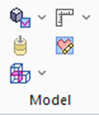 and click [Find Contacting Faces]
  .
.
-
The faces contacting them will be located and listed.
-
Contacts by vertex or edge and intersection are not listed.
Vertex contact
Edge contact
Face contact
Intersection
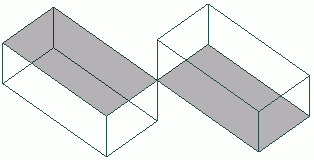
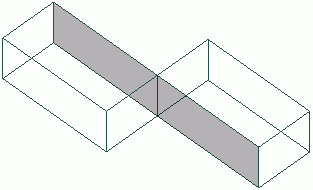
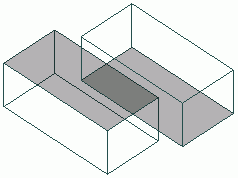
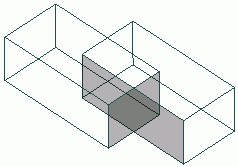
Not listed
Not listed
Listed
Not listed
List of Contacting Faces
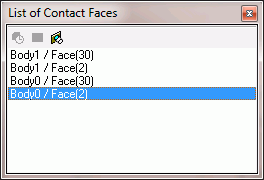
Contacting faces are listed on a table.
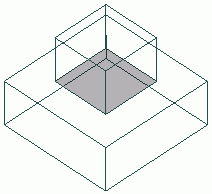
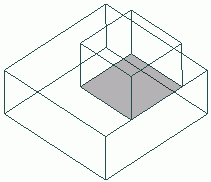
Only partially contacting faces will be listed unless you select [List fully contacting faces] 
which lists fully contacting faces only.
The full-face contact with common edge is considered as partial contact.
|
Partial contact |
Full contact |
Common edge |
|
|
|
|
|
Listed as partial contact. |
Listed as full contact. |
Listed as partial contact. |