Femtet Help/Manual
 

Home / Modeling / Drawing Process / How to Create Primitives / Sheet Bodies / Polygon

Polygon
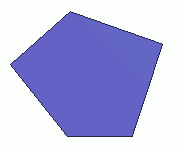
Create a polygon (sheet body).

Procedure

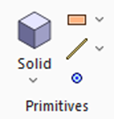
  1.  On the [Model] tab, go to and click ▼ at the side of [Sheet Body] .
    Select [Polygon] on the submenu.


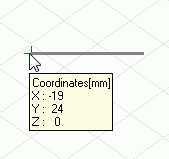
  2. Click the place to set the startpoint on the modeling window.

    (Alternatively enter the coordinates in the parameter input dialog box, and click .)


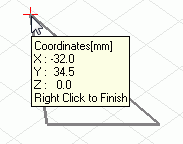
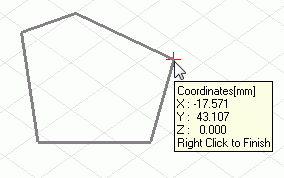
  1. Click and set the next point on the modeling window.

    (Alternatively enter the coordinates in the parameter input dialog box, and click .)


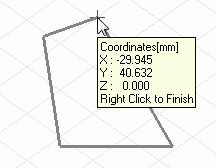
  2. Repeat the procedure above


  3. All points are required to be on the same plane.


  4. It is not allowed to cross the edges.


  1. Right click to exit.