Home / Modeling / Drawing Process / How to Create Primitives / Solid Bodies / Bonding Wire
Bonding Wire
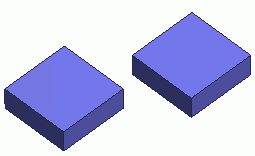

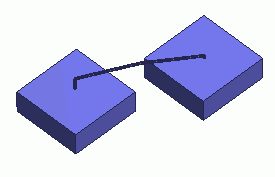
Creates a bonding wire.
Procedure
-
On the [Model] tab, go to 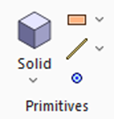 and click ▼ at the bottom of [Solid Body] and click ▼ at the bottom of [Solid Body]  . Click [Bonding Wire] . Click [Bonding Wire]  on the submenu. on the submenu.
|
|
-
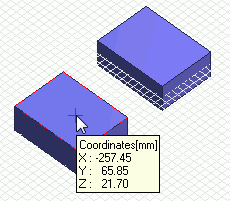
Click and set the startpoint of bonding wire on the .
(Alternatively enter the coordinates in the , and click  .) .)
-
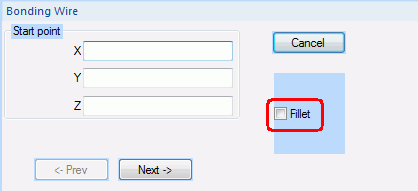
Select "Fillet" in the dialog box to round off the corners.
|
|
|
-
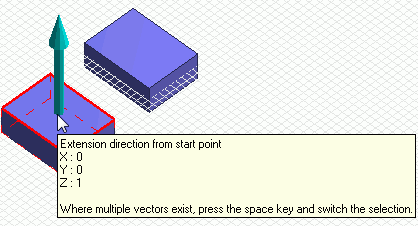
Click and set the extension direction from the startpoint.
(Alternatively enter the vector in the parameter input dialog box, and click .)
|
|
-
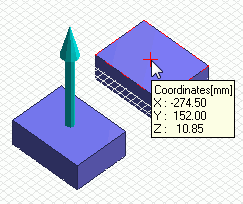
Click and set the endpoint of bonding wire on the .
(Alternatively enter the coordinates in the , and click .)
|
|
|
-
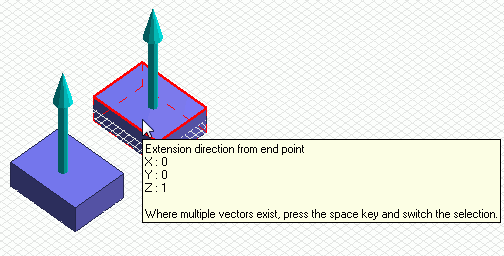
Click to set the extension direction from the endpoint.
(Alternatively enter the vector in the parameter input dialog box, and click .)
|
|
|
-
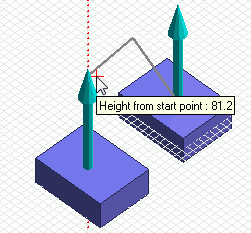
Click and set the height from the startpoint.
(Alternatively enter the value in the parameter input dialog box, and click .)
|
|
|
-
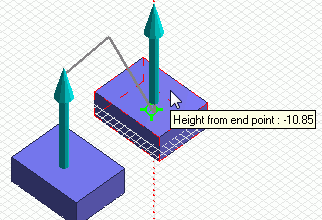
Click to set the height from the endpoint.
(Alternatively enter the value in the parameter input dialog box, and click .)
|
|
|
-
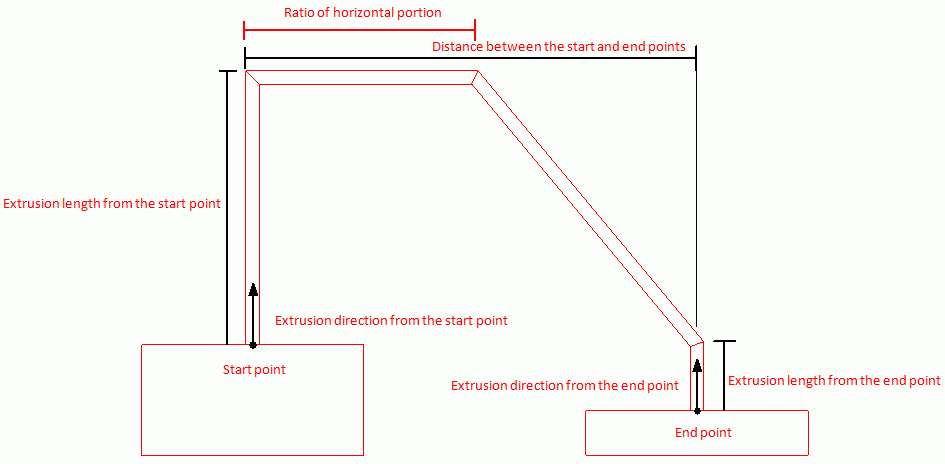
Click and set the ratio of horizontal portion in traversing, the wire diameter, and the number of corners.
-
The ratio of horizontal portion in traversing is the ratio against the distance between the startpoint and endpoint.
The value to be 0.0 to 1.0.
-
The wire diameter is that of the bonding wire's cross section.
If 0 is entered, it will become a wire body.
-
The number of corners is that of the bonding wire's cross section.
If the value is 0 to 2, the cross section will be circle.
|
|
-
Right click to exit.
|
|


