Home / Modeling / Drawing Process / How to Modify Objects / Conversion / Convert to Solid Body
Convert to Solid Body
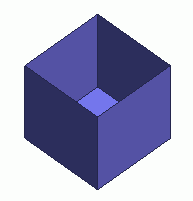
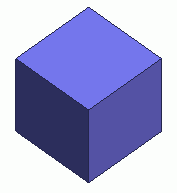
Convert multiple sheet bodies to a single solid body.
The sheet bodies need to contacting, crossing or overlapping each other and form a closed 3D space.
Procedure
-
On the [Model] tab, go to

and click ▼ at the side of [Convert Wire Body]  . .
Select [Convert to Solid Body]  on the sub menu. on the sub menu.
(Alternatively, right click the mouse. On the appearing menu, select [Convert]-[Convert to Solid Body])
-
To keep the original sheet body, click ▼ at the side of [Convert Wire Body] .
On the appearing submenu, select [Convert to Solid Body (keep original body)].
(Alternatively, right click the mouse. On the appearing menu, select [Convert]-[Convert to Solid Body (keep original body])
|
|
|
-
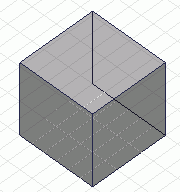
Select the sheet bodies to convert.
-
There are two ways to select multiple objects.
To select altogether, specify the area for selection by left clicking and dragging the mouse. The body will be selected if a portion of it is in the area.
To select one by one, select the first one by left click and keep on left clicking while pressing the <Ctrl> key.
|
|
-
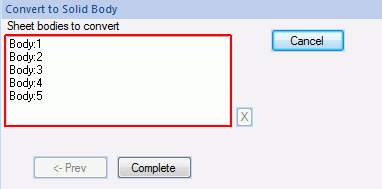
Click  in the parameter input dialog box. in the parameter input dialog box.
|
|
|
-
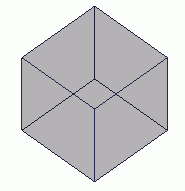
A solid body will be formed from the selected sheet bodies.
|
|