|
Home / Modeling / Drawing Process / How to Modify Objects / Copy / Aligned Copy
Aligned Copy
|
|
|
|
|
Before |
|
After |
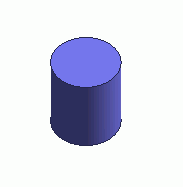

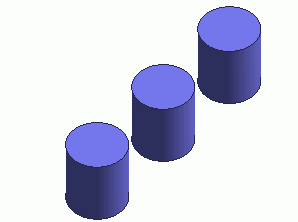
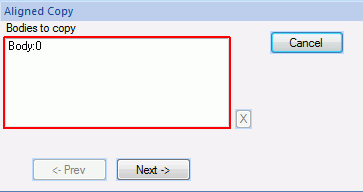
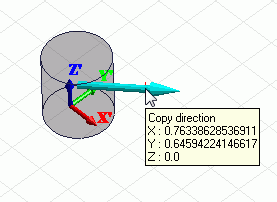
Copy the selected bodies along the specified direction.
Multiple bodies can be copied at a time.
Specify the pitch and the number to copy.
Body attributes, material properties, boundary conditions and the mesh sizes will be copies as well.
Procedure
|
|
|
|
|
|
|
|
|
|
|
|
|
|

 .
. on the submenu.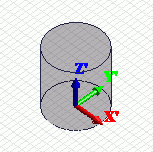
 in the parameter input dialog box.