Home / Modeling / Drawing Process / How to Modify Objects / Copy / Arrayed Copy
Arrayed Copy
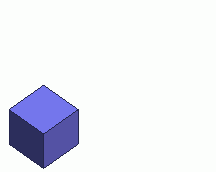
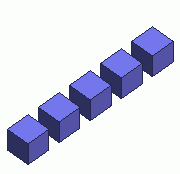
Copy the selected bodies in array.
Multiple bodies can be copied at a time.
Specify the pitch and the number to copy for each of the 3 directions of the drawing plane.
Copies will be created as many as specified for each direction.
Procedure
-
On the [Model] tab, go to
 , ,
and click ▼ at the side of [Copy at Same Location]  . .
Then click [Arrayed Copy]  on the submenu. on the submenu.
(Alternatively, right click the mouse. On the appearing menu, select [Copy]-[Array])
|
|
-
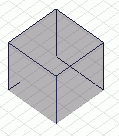
Select bodies to copy.
|
|
-
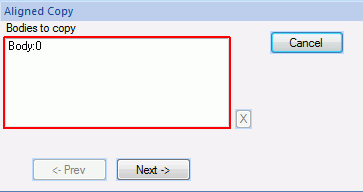
Click  in the parameter input dialog box. in the parameter input dialog box.
|
|
-
On the "Copy setting in the 1st direction" , enter the pitch, and the number, and click .
-
On the "Copy setting in the 2nd direction" dialog, enter the pitch, and the number, and click .
-
On the "Copy setting in the 3rd direction" dialog, enter the pitch, and the number, and click  . .
-
Right click to exit.
|
|