Home / Modeling / Drawing Process / How to Modify Objects / Copy / Mirrored Copy
Mirrored Copy
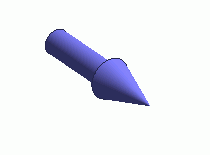
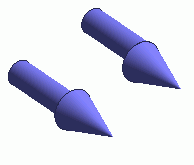
Copy and mirror the selected bodies.
Multiple bodies can be copied at a time.
Specify the point on mirror and the norm vector.
Body attributes, material properties, boundary conditions and the mesh sizes will be copies as well.
Procedure
-
On the [Model] tab, go to

and click ▼ at the side of [Single Copy]  . .
Select [Mirrored Copy]  on the submenu. on the submenu.
(Alternatively, right click the mouse. On the appearing menu, select [Copy]-[Mirror])
|
|
-
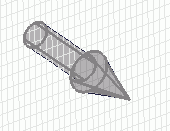
Select bodies to copy.
|
|
-
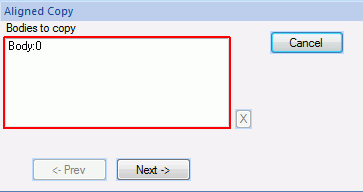
Click  in the parameter input dialog box. in the parameter input dialog box.
|
|
|
-
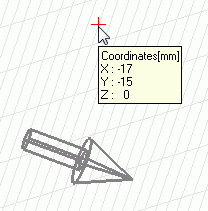
Click and set the point on mirror on the .
(Alternatively enter the point on mirror in the , and click .)
|
|
|
-
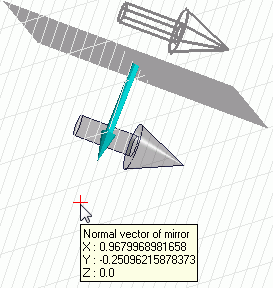
Enter the normal vector of mirror in the parameter input dialog and click  . .
|
|
-
Right click to exit.
|
|