|
Home / Modeling / Drawing Process / How to Modify Objects / Copy / Single Copy of Topologies
Single Copy of Topologies
|
|
|
|
|
Before |
|
After |
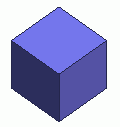

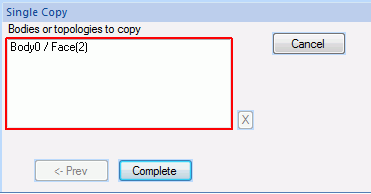
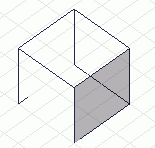
Copy the selected topologies.
Multiple topologies can be chamfered at a time.
Copied topologies will be pasted on the originals' locations.
Procedure
In the case of face topologies
|
|
|
|
|
|
|
|
|
|


 .
.
 in the parameter input dialog box.