|
Home / Modeling / Drawing Process / How to Modify Objects / Deformation / Change Radius
Change Radius
|
|
|
|
|
Before |
|
After |
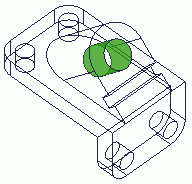

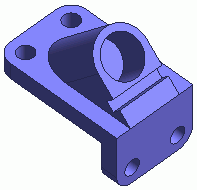
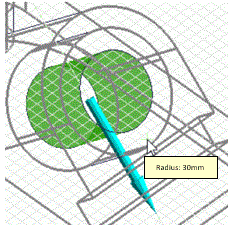
Change the radius of selected face or edge topologies.
-
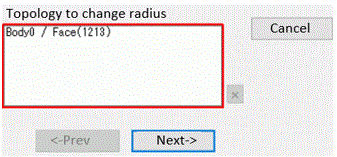
The face topology on the side of the cylinder is selectable to change radius.
-
The edge topology on the circumference of the circular form is selectable to change radius.
-
Multiple topologies are selectable to change radius.
Procedure to Change Radius
|
|
|
|
|
|
|
|
|
|
|
|

 and select
  . Select
  on the submenu.
 in the parameter input dialog box.