Femtet Help/Manual
 

Home / Modeling / Drawing Process / How to Modify Objects / Deformation / Cut

Cut

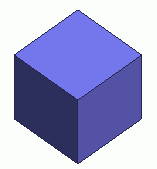
Before


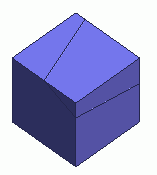
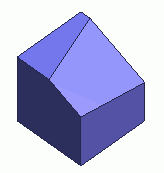
After


Cuts the selected sheet or solid bodies by a plane.

Procedure

  1. On the [Model] tab, go to


    and click Select Body at .


  1. On the [Model] tab, go to


    and click [Cut] .

    (Alternatively, right click the mouse. On the appearing menu, select
    [Deform]-[Cut])


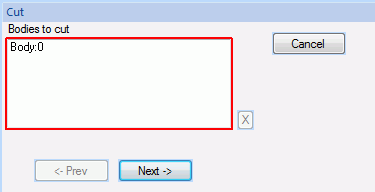
  1. Select the bodies to cut.

  1. Click in the parameter input dialog box.


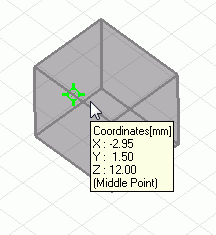
  1. Click and set the point on cutting plane on the modeling window.

    (Alternatively enter the
    point on cutting plane in the parameter input dialog box, and click .)


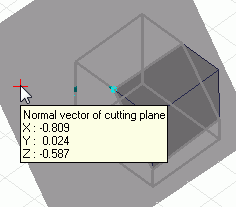
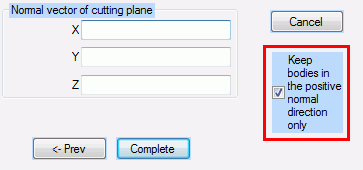
  1. Enter the normal vector of cutting plane in the parameter input dialog and click .

    (Alternatively click and set the
    normal vector of cutting plane on the modeling window.)
     

  2. Rest the mouse pointer on a face topology to specify its normal vector as the command's direction vector.
    Rest the mouse pointer on an edge topology to specify its direction vector as the command's direction vector.
    See [Direction Vectors Set by Mouse] for detail.


  1. Right click to exit.


  • When [Keep bodies in the positive normal direction only] is selected, bodies not in the positive normal direction will be deleted after the cut.