|
Home / Modeling / Drawing Process / How to Modify Objects / Deformation / Cut at the intersection point of wire bodies
Cut at the intersection point of wire bodies
|
|
|
|
|
Before |
|
After (body color is changed) |
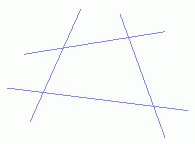

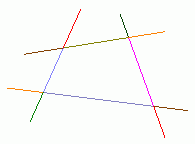
Cut the selected wire bodies at the intersection point.
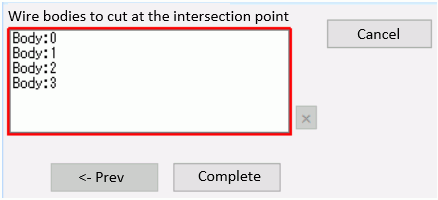
Cut at the intersection point of wire bodiesProcedure
|
|
|
|
|
|
|
|
|
After (body color is changed) |

 .
. . Select
  on the submenu.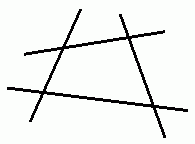
 in the parameter input dialog box.