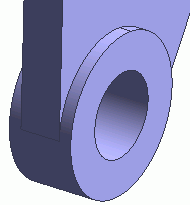
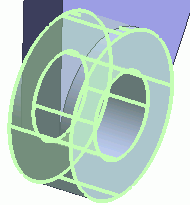
Home / Modeling / Drawing Process / How to Modify Objects / Deformation / Cut with Curved Surface
Cut with Curved Surface
Cuts the selected body with Curved Surface.
Cut by Curved Surface procedure
-
On the [Model] tab, go to
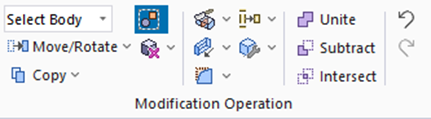
and click Select Body at  .
|
|
-
On the [Model] tab, go to
,
and click ▼ at the side of [Cut]  . Select [Cut with Curved Surface] on the submenu.
(Alternatively, right-click the mouse. On the appearing menu, select [Deform]-[Cut by Curved Surface])
|
|
-
Select the bodies to cut.
|
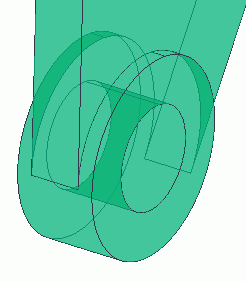
|
-
Click  in the parameter input dialog box.
|
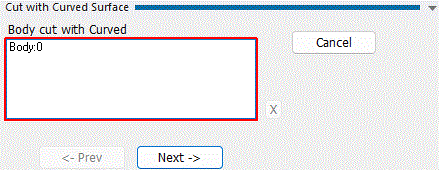
|
-
Click and set the curved surface for cutting on the .
|
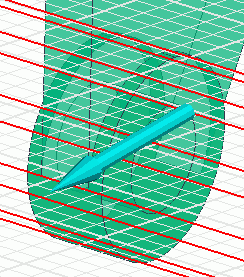
|
-
Click  .
|
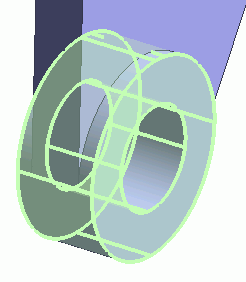
|
-
When [Keep bodies in the positive normal direction only] is selected, bodies not in the positive normal direction will be deleted after the cut.
-
When [Reverse Normal] is selected, the normal direction of the surface for the cut will be reversed.
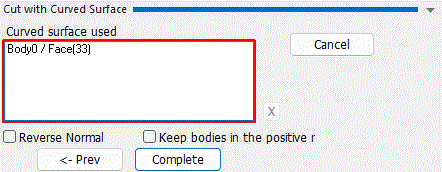 |
|