Femtet Help/Manual
 

Home / Modeling / Drawing Process / How to Modify Objects / Deformation / Delete Edge

Delete Edge

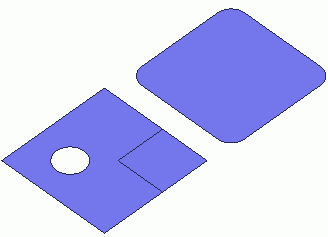
Before


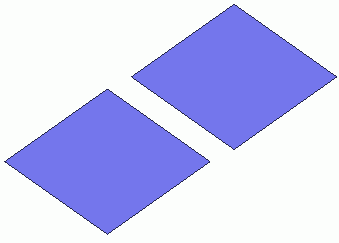
After


Remove the selected edge topologies.

Procedure

  1. On the [Model] tab, go to


    and click [Select Edge] on the drop-down list at .


  1. On the [Model] tab, go to


    and click ▼ at the side of [Delete Body] .

    Click [Delete Edge] on the sub menu.


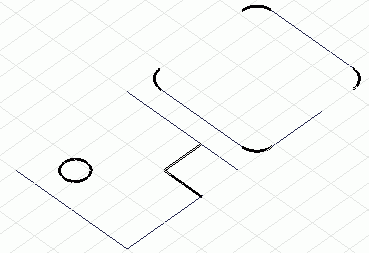
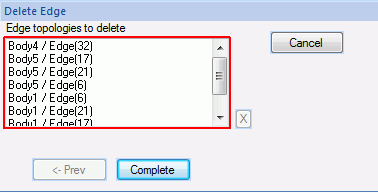
  1. Select the edges to remove.

  • Some edges might not be removable depending on the shape of the body.

  • Specify several edges altogether when filling a hole or removing imprinted edges.

  1. Click in the parameter input dialog box.