


|
Home / Modeling / Drawing Process / How to Modify Objects / Deformation / Extract
Extract
|
|
|
|
|
Before |
|
After |
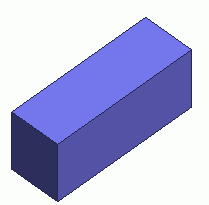

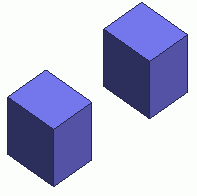
Cut and remove a portion of body.
Procedure
|
|
|
|
|
|
|
|
|
|
|
|
|
|
|
|

 .
. . Select
  on the submenu.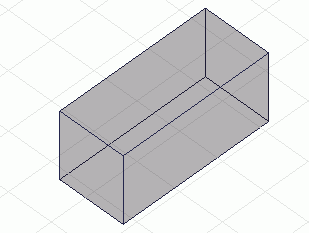
 in the parameter input dialog box.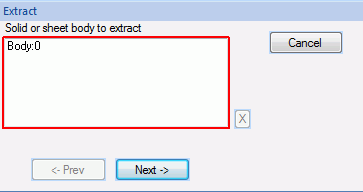
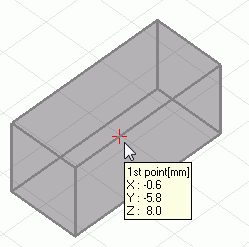
 .)
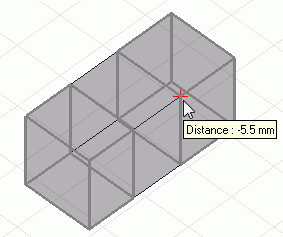
.)
Inexecutable cases (solid body)
|
|
|
|
|
Cutting planes are crossing. |
The designated points are not on the perimeter. |
The designated points are on the different edges. |


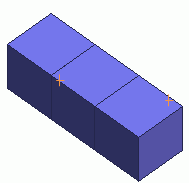

The designated points on the different edge topologies are allowed
as long as the edges are on a straight line as shown above.
Inexecutable cases (sheet body)
|
|
|
|
|
The designated points are on different sheet bodies. |
Cutting planes are crossing. |
The designated points are not on the perimeter. |
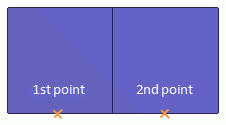

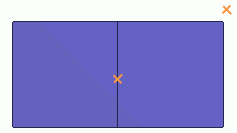
* The point on the 2nd cutting plane is specified by the distance from the 1st point.