Home / Modeling / Drawing Process / How to Modify Objects / Deformation / Sweep Bodies along the Path
Sweep Bodies along the Path
Sweep bodies along the specified path.
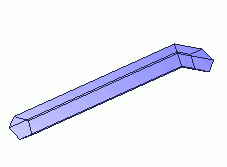
A body can be created by sweeping a profile of sheet or wire body along a path.
Procedure
|
-
Create a profile of the pipe with a sheet or wire body.
|

|
|
-
Create a path with a wire body starting at the perimeter of the profile.
-
The path is not allowed to be in parallel to the profile.
-
The path is required to be a single wire body. Therefore, convert multiple wire bodies to a single wire body if necessary.
See "Wire Body Conversion" for the detail.
|
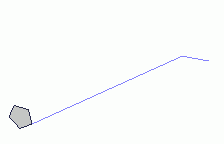
|
-
On the [Model] tab, go to

and click Select Body at  . .
|
|
-
On the [Model] tab, go to
,
and click ▼ at the side of [Extrude]  . Select [Sweep bodies along the specified path] . Select [Sweep bodies along the specified path]  on the submenu. on the submenu.
(Alternatively, right click the mouse. On the appearing menu, select [Deform]-[Sweep])
|
|
-
Select the profile.
|
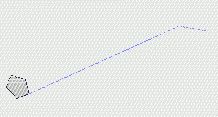
|
-
Click and activate the list box for [Path body] in the parameter input dialog box.
|
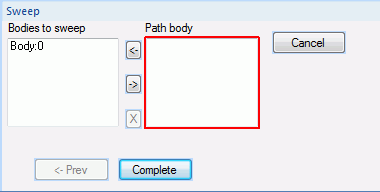
|
|
-
Select a wire body for the path.
|
|
-
Click  in the parameter input dialog box. in the parameter input dialog box.
|
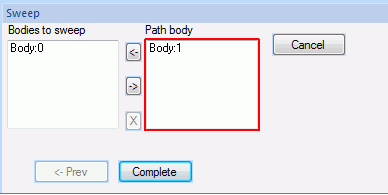
|
|
-
The model has been completed.
|
|


