|
Home / Modeling / Drawing Process / How to Modify Objects / Deformation / Extrude
Extrude
|
|
|
|
|
Before |
|
After |
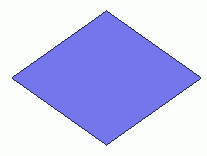

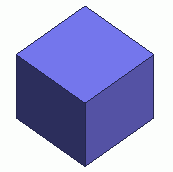
ExtrudeThe
selected vertex, wire or sheet bodies
are extruded to form the wire, sheet or solid bodies respectively.
ExtrudeOn
the [Model] tab, go to

and click Select Body at  .
.
On the [Model] tab, go to
and click [Extrude]  .
.
(Alternatively, right click the mouse. On the appearing menu, select [Deform]-[Extrude-[Extrude])
-
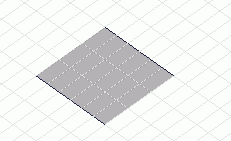
Select the bodies to extrude.
-
Click
 in the parameter input dialog box.

-
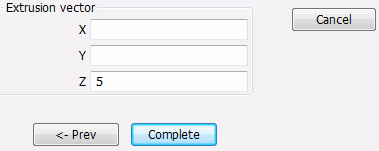
Enter the Extrusion vector in the parameter input dialog box and click
 .
.
(Alternatively, click the reference point of the Extrusion vector on the modeling window.
Then, move and click the mouse to set the Extrusion vector.)