Femtet Help/Manual
 

Home / Modeling / Drawing Process / How to Modify Objects / Deformation / Taper

Taper

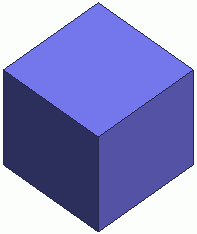
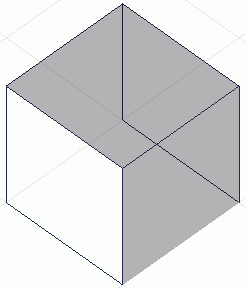
Before


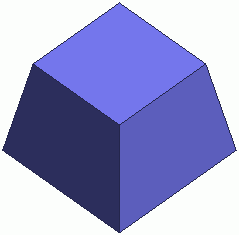
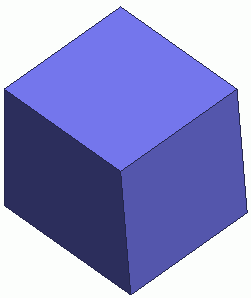
After


Taper adjacent faces with reference to the selected face.

Procedure

  1. On the [Model] tab, go to


    and click Select Face on the drop-down list at .


  1. On the [Model] tab, go to

    ,

    and click ▼ at the side of [Fillet] . Select [Taper] on the submenu.


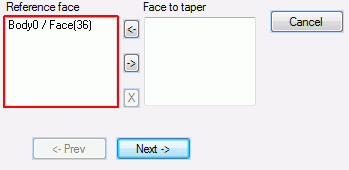
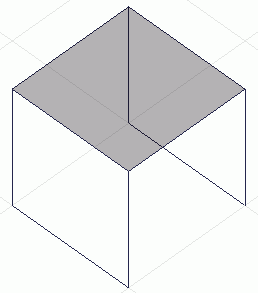
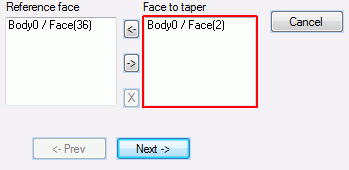
  1. Select the reference face.

  • The taper angle is measured with reference to this face.


  1. Select the faces to taper.

  • To taper all the adjacent faces, just specify the reference face.

  • The faces need to be adjacent to the reference face.


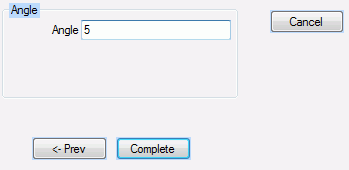
  1. Enter the angle.


  1. Click in the parameter input dialog box.