Femtet Help/Manual
 

Home / Modeling / Drawing Process / How to Modify Objects / Deformation / Shell

Shell

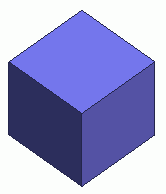
Before


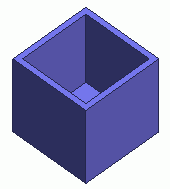
After


Shell a solid body at a selected face topology.

Procedure

  1. On the [Model] tab, go to


    and click Select Face on the drop-down list at .


  1. On the [Model] tab, go to

    ,

    and click ▼ at the side of [Fillet] . Select [Shell] on the submenu.

    (This command is available on the right-click menu if the face is selected beforehand.)


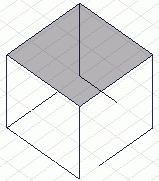
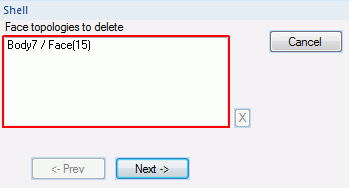
  1. Select the face to remove.

  • Select corresponding faces to hollow several bodies altogether.

  1. Click in the parameter input dialog box.


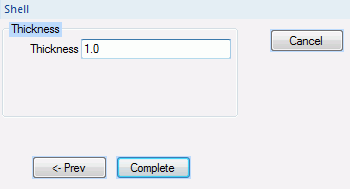
  1. Specify the thickness.

    Enter the thickness, and click .

  • If 0 is entered for the thickness, the body will become a sheet body with the specified face removed.