Home / Modeling / Drawing Process / How to Modify Objects / Topology Segmentation / Segment Face
Segment Face
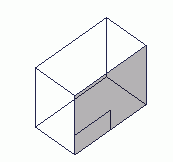
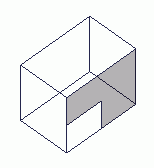
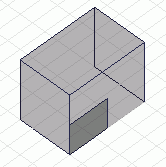
Partition the face topology of a body with tool bodies.
Select the target body first. Then select the tool bodies. Finally execute the command.
Both the target and tool bodies need to be either "sheet body" or "solid body".
Segment Face (delete tool)
-
On the [Model] tab, go to
 , ,
and click ▼ at the side of [Modification operation (others)]  . Select [Segment Face [Delete Tool]] . Select [Segment Face [Delete Tool]]  on the submenu. on the submenu.
(Alternatively, right click the mouse and select [Segment]-[Segment Face [Delete Tool]] on the submenu)
-
On the [Model] tab, go to
,
and click ▼ at the side of [Modification operation (others)] . Select [Segment Face [Keep Tool]]  on the submenu. on the submenu.
(Alternatively, right click the mouse and select [Segment]-[Segment Face [Keep Tool]] on the submenu)
|
|
|
-
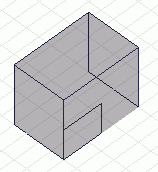
Select the body to which the Segment Face belongs, first.
|
|
-
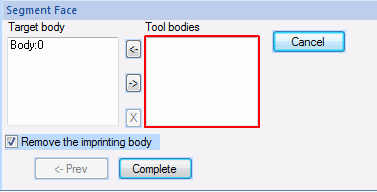
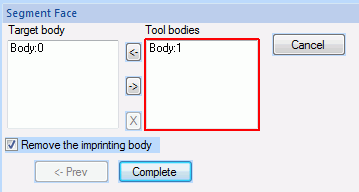
Click the inside of the [Tool bodies] box and activate it.
|
|
|
-
Select the tool bodies.
|
|
-
Click  in the parameter input dialog box. in the parameter input dialog box.
|
|