
|
Home / Modeling / Drawing Process / How to Modify Objects / Move/Rotate / Move
Move
|
|
|
|
|
Before |
|
After |
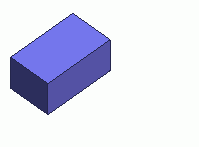

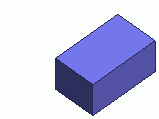
Move the selected bodies.
-
Instant Modeling mode also allows Move operation.
Procedure
|
|
|
|
|
|
|
|
|
|
|
|
|

 .
. .
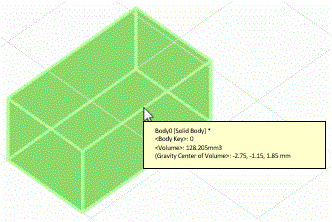
. 
 in the parameter input dialog box.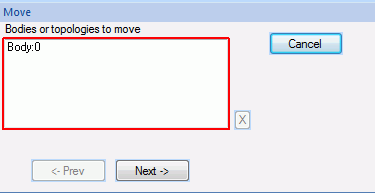
 .
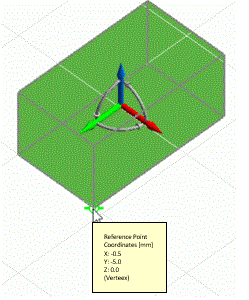
.
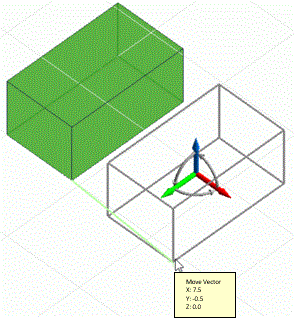


|
|
Home / Modeling / Drawing Process / How to Modify Objects / Move/Rotate / Move
|
|
|
|
|
Before |
|
After |
Move the selected bodies.
Instant Modeling mode also allows Move operation.
|
|
|
|
|
|
|
|
|
|
|
|
|