Femtet Help/Manual
 

Home / Modeling / Drawing Process / How to Modify Objects / Move/Rotate / Move Edge Topologies

Move Edge Topologies

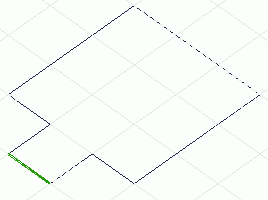
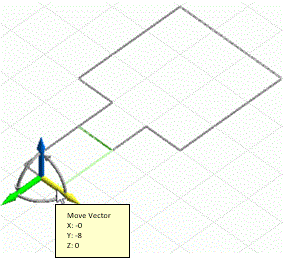
Before


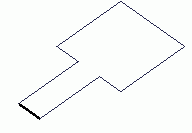
After


Move the selected edge topologies.


  • This command is applicable to the edges on the flat sheet bodies without points or edges imprinted.

Procedure

  1. On the [Model] tab, go to


    and click [Select Edge] on the drop-down list at .


  1. On the [Model] tab, go to

    ,

    and click ▼ at the side of [Move/Rotate] . Select [Move] on the submenu.

    (Alternatively, right click the mouse. On the appearing menu,
    select [Move/Rotate]-[Move])


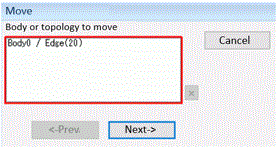
  1. Select the edge topologies to move.
     

  1. Click in the parameter input dialog box.


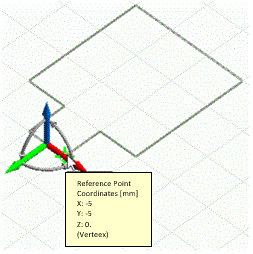
  1. Set the move vector.

    Apply either instant modeling mode operation or the following method.

    In the parameter input
    dialog box, enter the move vector and click .

    (Alternatively, click and set the reference point

    and the move vector on the modeling window.)