


|
Home / How to Set Analysis Condition / List of Analysis Condition Tabs / Surrounding Electromagnetic Field Tab
Surrounding Electromagnetic Field Tab
The conditions for the calculation of radiation pattern are set on this tab.
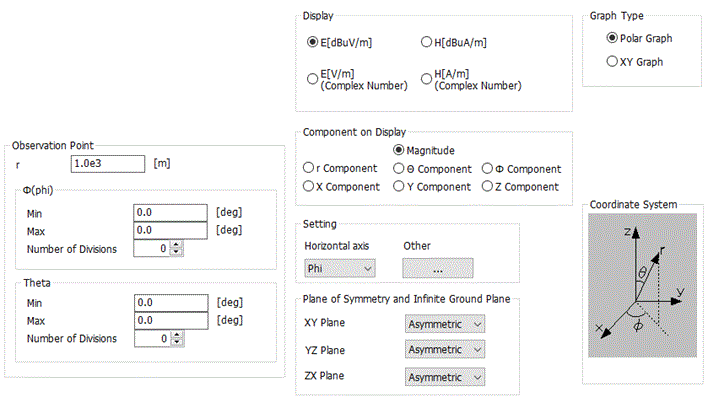
Please refer to the help menu page of /Show Results/Characteristics by Charts/Directivity/Surrounding Electromagnetic Field for more information.
The tab on the designated page includes the frequency selecting function and the graph display button, both used for displaying results after analyzing. Other settings work the same way as those on this tab. You can refer to the notes provided.