|
Home / Technical Notes / Acoustic Analysis / Mesh Setting
Mesh Setting
General mesh size
The general mesh size should be less than one sixth the wavelength of the maximum frequency.
You may increase the mesh size up to one third the wavelength if you want to reduce the number of meshes.
In this example, the wavelength at 20kHz is 340/20000 = 0.017 [m].
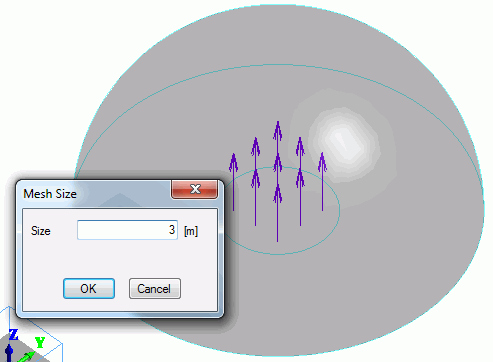
The mesh size should be less than 17/6 = 2.83 [mm], so set the mesh size to 3 mm.
To specify the general mesh size, on the [Model] tab,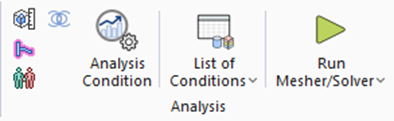
click [Analysis Condition]  . The [Analysis Condition Setting] dialog box will appear.
On the [Mesh] tab,
deselect [Calculate the general mesh size] and enter a value at [General mesh size].
Element type
Select 2nd-order element for the element type.
Multigrid method
To reduce the calculation time, try the multigrid method.
The calculation time can be reduced to one-tenth, but the calculation might not converge in some cases.
To get the calculation converged, use the smaller mesh size.
See [Use the Multigrid Method] for the details.
Mesh size around the sound source
The mesh size should be one tenth the size of sound source, and must be less than general mesh size.