Hollow Boundary
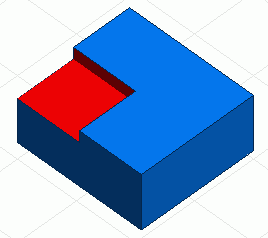
Executes Boolean Subtract and sets the boundary condition on the faces created by the subtract. All these are done with a single command.
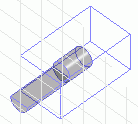

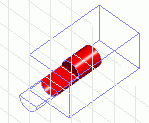
The complicated boundary condition like above can be set easily with the hollow boundary command.
Procedure
-
On the [Model] tab, go to

and click Select Body at  . .
|
|
-
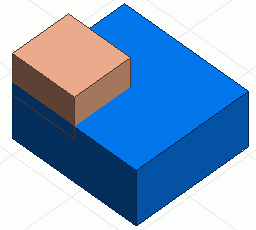
Select both the target body to set the boundary condition and on the tool body which includes the faces for the boundary condition.
In this operation, pick up the target body before picking up the tool body.
|
|
-
On the [Analysis Attribute] tab  , ,
click [Hollow Boundary]  . .
-
In the [Boundary Condition] dialog box, enter Boundary Condition Name and click  . .
|
|


