Femtet Help/Manual
 

Nonuniform Zoom

The zooming factor for each axis can be set individually.
 

  • The dimensions of the model don't change with this operation.


How to Apply Nonuniform Zoom

  1. On the [Model] tab or the [Results] tab


    click ▼ at the side of [Other Viewpoints] .

    Click [Nonuniform Zoom] .


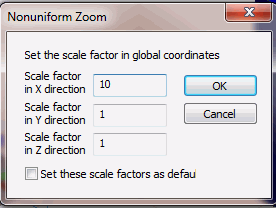
  1. Enter the scale factor for each direction.

    (The scale factor for X direction is 10 in this example)


  • You may select [Set these scale factors as default] for the next time on.


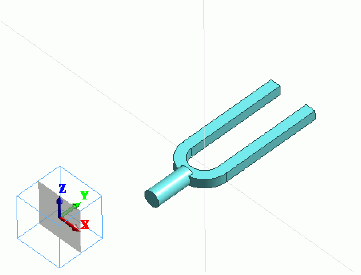
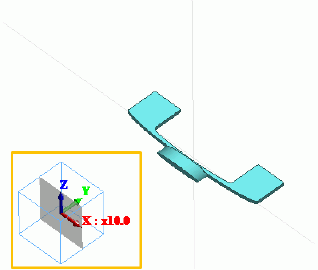
  1. The model will be zoomed by specified scales.

    (In this example, the model is zoomed by 10 times in X direction)


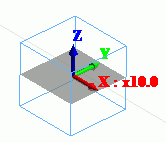
  2. The scale factors are indicated at the axis orienter in the window.


  • Note that on the [Model] tab or the [Results] tab


    [Manage Favorite Viewpoints]
    will appear but saving the nonuniform zoom setting is not allowed.