Femtet Help/Manual
 

View by Numerical Entry

Viewpoint moves to a location specified by view vector.

How to Set Viewpoint by Numerical Entry

  1. Go to [Model] tab -> [Results] tab.


    Click ▼ at the side of [Other Viewpoints] .

    Click [View by Numerical Entry] .


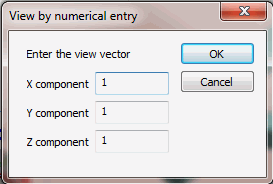
  1. Enter the view vector.

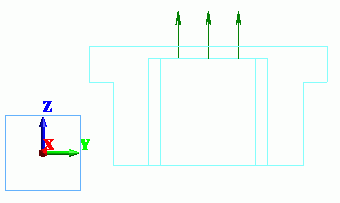
    In this example, we enter (1, 0, 0) as we want to move the view point on to X axis.
     

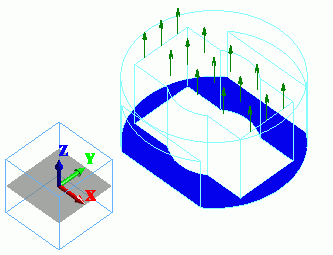
  1. Now we are looking at the model from (1, 0, 0) towards the coordinates origin.
     

Before

Down

After