Femtet Help/Manual
 

Home / User Interface / Menus / Menu for Modeling Window / Service Data

Service Data

The service data for the current analysis model for consultation can be created as follows.

Procedure

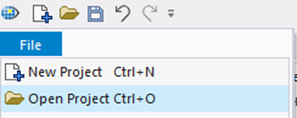
  1. Open the project.


    Go to and click the [File]
    tab and select [Open Project] on the drop-down list..

    Select the project file in the Open
    -file dialog box. Click the [Open] button.


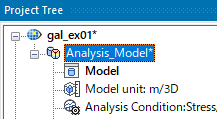
  1. Activate the analysis model for consultation.

    Double-click the analysis model on the Project Tree.

  • The service data of the activated analysis model will be created.
    Not all the analysis models in the same project are created.


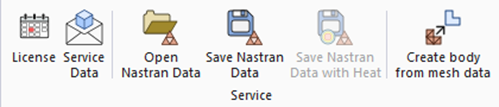
  1. Click [Tool] tab


    Click [Service Data] .


  1. Email the saved service data to the support center.


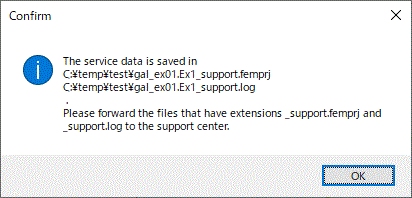
  1. Once the data is created, its folder will open automatically.
     

  2. The files of service data have extensions: _support.femprj and _support.log.
    Forward all files with those extensions to the support center.