|
Home / Show Results / Descartes, the Graphing Tool / Miscellaneous / Drag and Drop the Graph Data
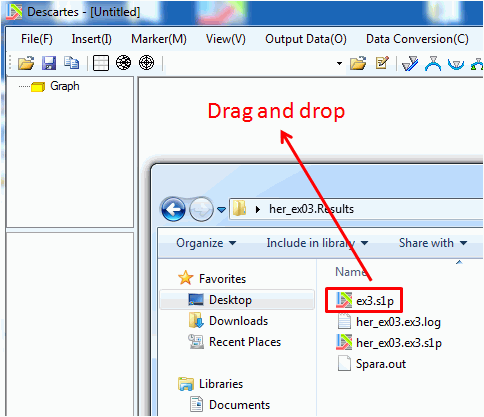
Drag-and-drop on the graph window
A file can be opened by dragging and dropping the graph data on the graph window.
Files handled by Descartes can be opened by this action.
When a data file (.plt), or Touchstone file (.s2p, .y2p, z2p) is dropped on a existing graph,
new data series will be added.
If a file is dropped with <Ctrl> key pressed, all graphs will be affected in the same way.
-
You can open graph setting file (.dct) and graph template too.

-
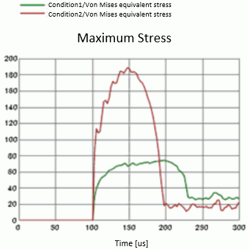
As shown below, the graphs are overlaid each other.