Home / Modeling / Auxiliary Tools / Instant Modeling
Instant Modeling
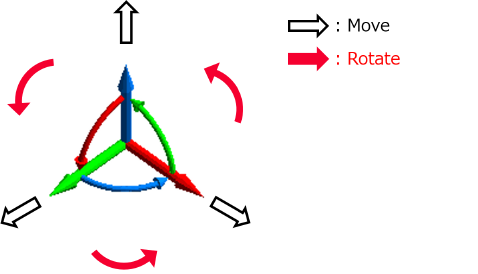
Using the mouse to operate the UI allows for easy movement and rotation of the model.
The icon  of the tool panel can switch on/off the mode.
Operations
- Select an operation target.
|
- Operate with an appearing UI.
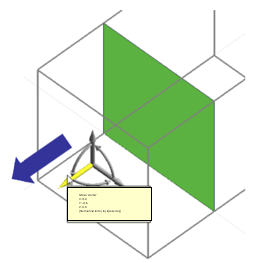
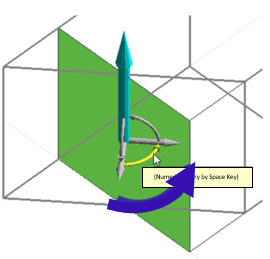
To move, drag one of the axes to the desired direction. To rotate, drag the arc axis.
Alternatively, click the axis and move the mouse and click again.
|
|
|
|
Move |
Rotate |
|
-
Snap is effective for the move operation. Move vector is calculated where the operation target is in contact with a snap point.
-
For the rotate operation, the center of the size box of the operation target is a point on the rotation vector.
|