|
Home / Modeling / Auxiliary Tools / Advanced Selection
Advanced Selection
By expanding the selection from the selected object, collectively select objects according to conditions.
To expand the selection, click [Advanced Selection]  on the mini toolbar that appears when an object is selected, or choose it from the right-click menu.
|
Selected Object |
Item |
Note |
Before Extension |
|
After Extension |
|
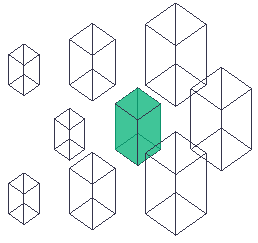
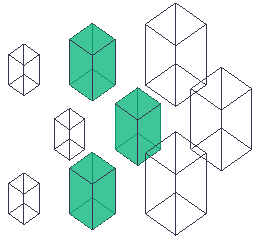
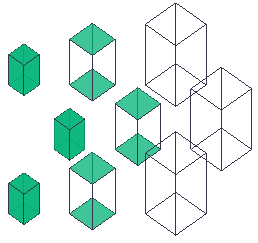
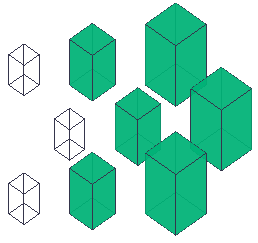
Body |
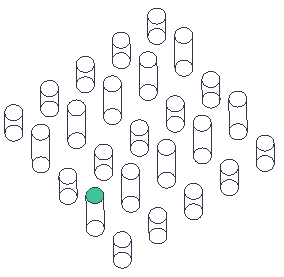
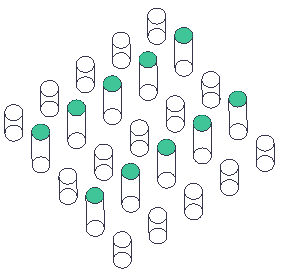
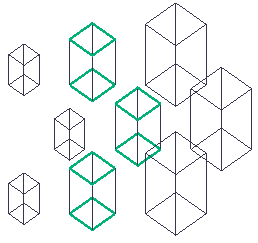
Bodies with the same volume |
Selects all bodies with the same volume as the selected body. |
|
|
|
|
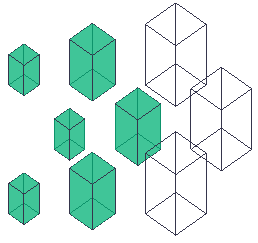
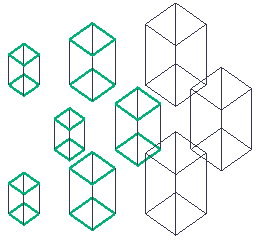
Bodies with equal or smaller volume |
Selects all bodies with a volume equal to or smaller than the selected body. |
|
|
|
|
|
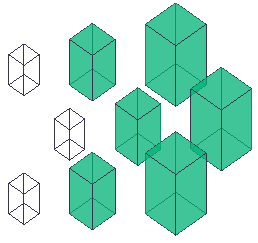
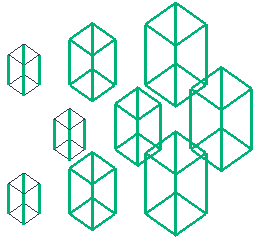
Bodies with equal or larger volume |
Selects all bodies with a volume equal to or larger than the selected body. |
|
|
|
|
|
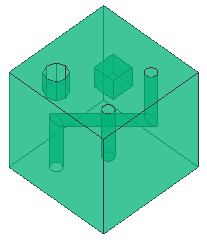
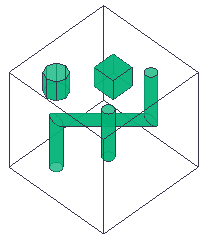
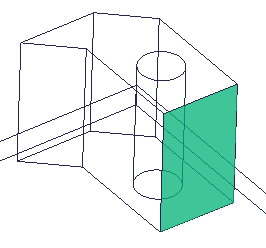
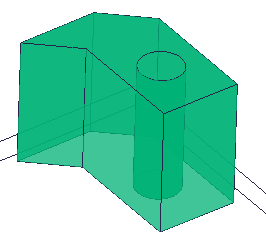
Surfaces located inside |
Selects all side faces of closed cavities, through cavities, and holes within the selected body. If multiple bodies are selected, selects the corresponding faces in each of the selected bodies. |
|
|
|
|
| Face |
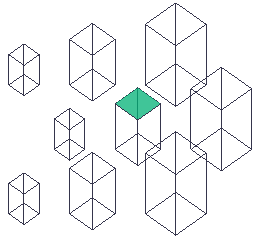
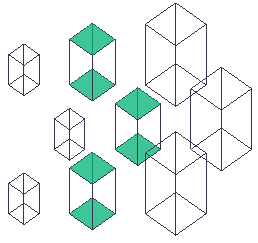
Faces with the same area |
Selects all faces with the same area as the selected face. |
|
|
|
|
Faces with equal or smaller area |
Selects all faces with an area equal to or smaller than the selected face. |
|
|
|
|
|
Faces with equal or larger area |
Selects all faces with an area equal to or larger than the selected face. |
|
|
|
|
|
Faces on the same plane |
Selects all faces on the same plane as the selected face. |
|
|
|
|
|
Faces of concave-convex including the face |
Selects all faces of a concave or convex portion including the selected face. |
|
|
|
|
|
Faces of concave-convex on the face |
Selects all faces of a concave or convex portion, such as a logo, on the selected face. |
|
|
|
|
|
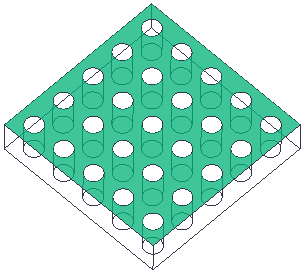
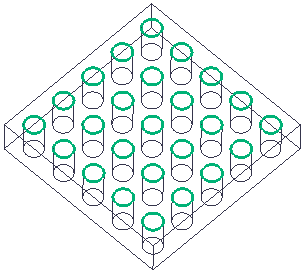
Edges of holes on the face |
Selects all edges of the holes on the selected face. |
|
|
|
|
| Edge |
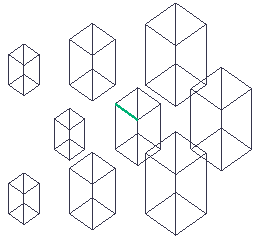
Edges with the same length |
Selects all edges with the same length as the selected edge. |
|
|
|
|
Equal or shorter edges |
Selects all edges equal to or shorter than the selected edge. |
|
|
|
|
|
Equal or longer edges |
Selects all edges equal to or longer than the selected edge. |
|
|
|
|
|
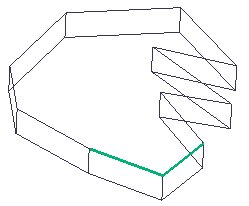
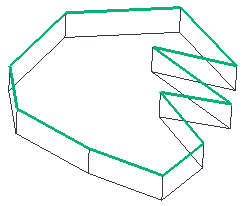
Edges included in a loop on the plane. |
Selects all edges included in a loop on the plane that includes the selected edge. |
|
|
|