|
Home / How to Set Analysis Condition
How to Set Analysis Condition
You need to set analysis conditions to proceed with analyses.
On the [Model] tab  ,
,
click [Analysis Condition]  .
.
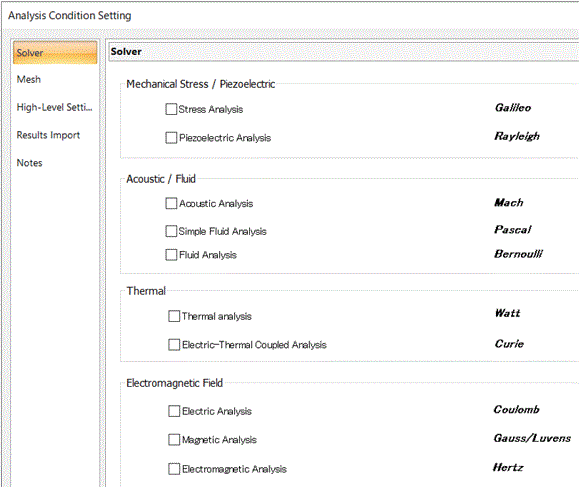
The [Analysis Condition Setting] dialog box will appear.
-
The List of Conditions is useful for checking the condition setups. Especially, it is useful to check and compare the conditions between multiple models.
Setting
-
Select solvers on the [Solver] tab.
-
Set the analysis conditions for the selected solvers.
See [List of Analysis Condition Tabs] .
-
Tabs are context-dependent.