|
Home / Show Results / Graphics Setup / Display
Display Tab
Also see [View for Main (Results) Window].
|
Setting Items |
Notes |
|||||||||||||||
|
Body |
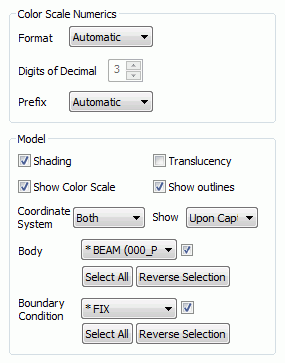
Body attribute names on the pull-down menu are selectable one by one and their show/hide can be set individually. Select All shows all bodies. Reverse Selection reverses the show/hide of all bodies. |
|||||||||||||||
|
Boundary Condition |
Boundary condition names on the pull-down menu are selectable one by one and their show/hide can be set individually.. Select All shows all boundary conditions. Reverse Selection reverses the show/hide of all boundary conditions. |
|||||||||||||||
|
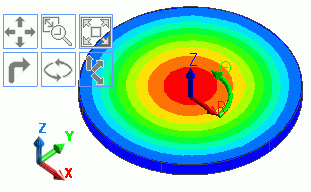
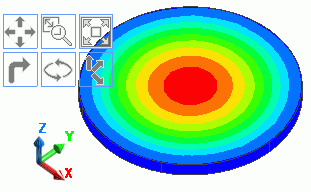
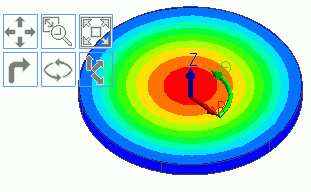
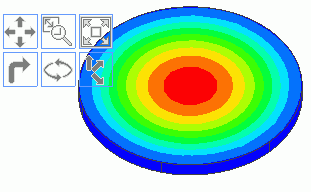
Show Coordinate System |
Sets show/hide of the global coordinate system and the local coordinate system. Select one from the below.
- Both - Global Coordinates - Local Coordinates - Hide
|
|||||||||||||||
|
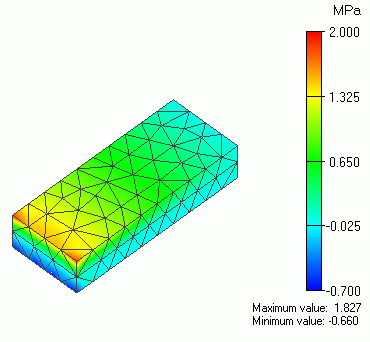
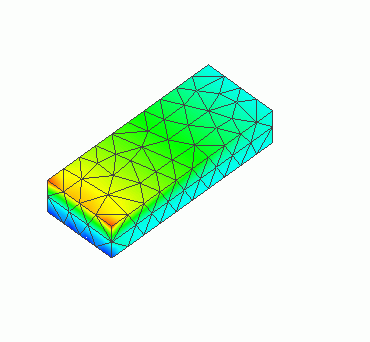
Show color scale |
Shows the color scale.
|
|||||||||||||||
|
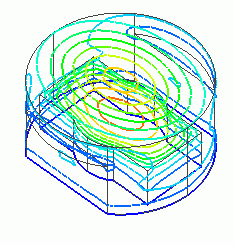
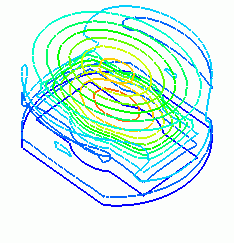
Show outlines |
Shows the model's outlines.
|
|||||||||||||||
|
Show details |
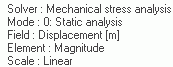
Specifies how the details (mode, etc.) are shown at the bottom right of the results window.
- Upon Capture
If you press Ctrl+C or
[Window] tab > [Save Main Window] group >
click [Copy to Clipboard] or [Save in File],
the details like below will be shown on the bottom right corner of the window.
- All the Time
Shows the details all the time.
- Hide
Hides the details. |