|
Home / Technical Notes / Acoustic Analysis / Frequency Characteristics of Sound Pressure Level
Frequency Response of Sound Pressure Level
Observation point
This note explains how the sound pressure level is displayed at the observation point.
The procedure depends on the location of observation point.
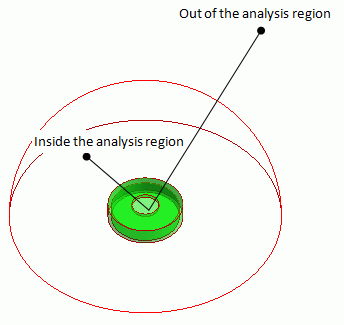
The observation point is inside the analysis region
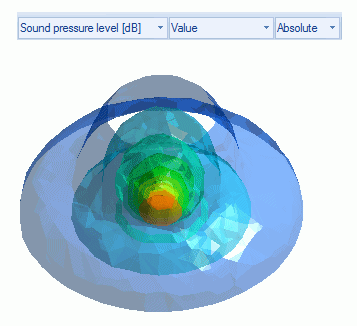
First, set the field type to "Sound pressure level".
Click [Field Graph] and fill in the red area in the figure below.
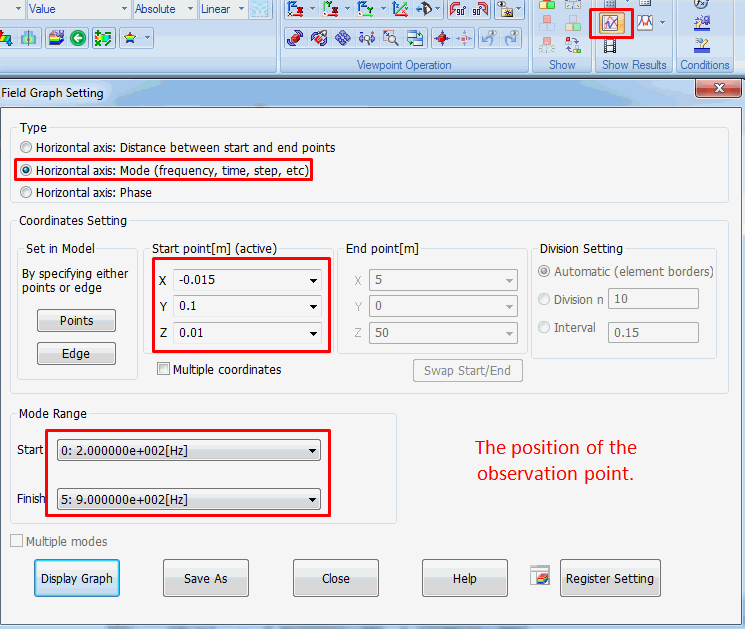
Click the [Display Graph] button and the sound pressure level will be displayed.
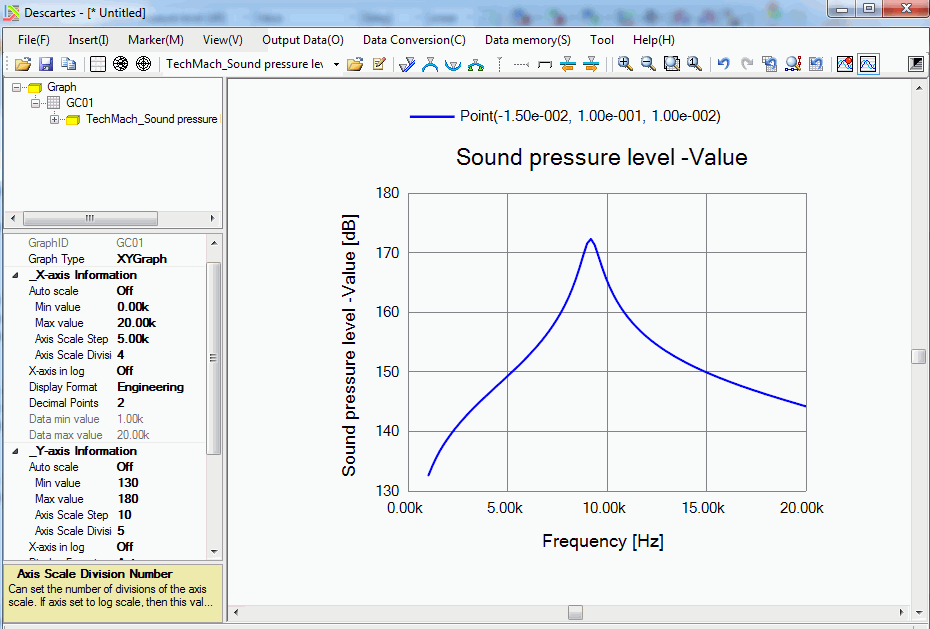
The observation point is outside the analysis domain
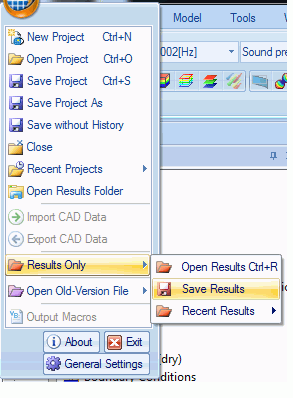
First, save the results.
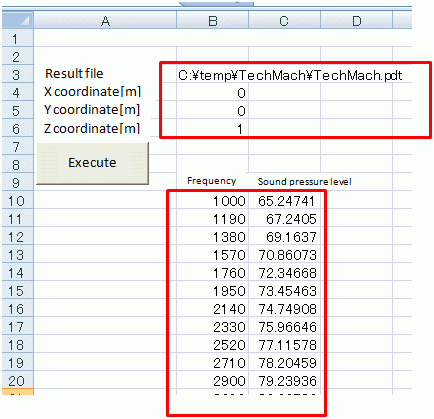
Then, open "SoundPressureOutsideAnalyticArea.xls", and enter the file name of mesh/result and coordinates [m] of the observation point.
Finally, click the [Execute] button. The frequency and the sound pressure level will be displayed.