Home / User Interface / How to Use the Help Mode
How to Use the Help Mode
-
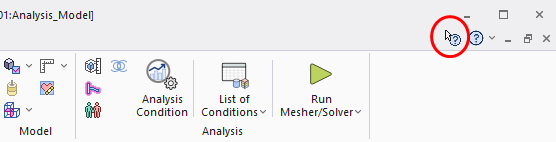
Click the [Help Mode] icon  on the top right corner of the screen. on the top right corner of the screen.
The ? mark will appear at the side of the mouse pointer.
-
You can enter the help mode by pressing <Shift> + <F1> keys.
|
|
-
Click the following for help:
- Icons
- Windows
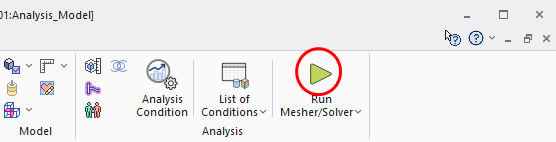
For example, click [Run Mesher/Solver]  . .
|
|
-
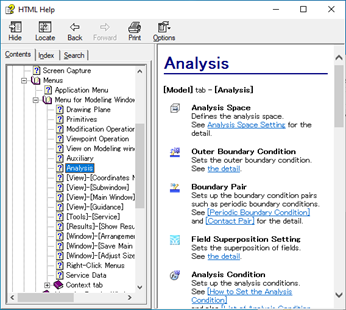
The action above will display the corresponding help.
The help for [Analysis] will be shown.
|
|


