
|
Home / User Interface / General settings / Switch Object
Switch Object
|
Setting Item |
Notes |
|
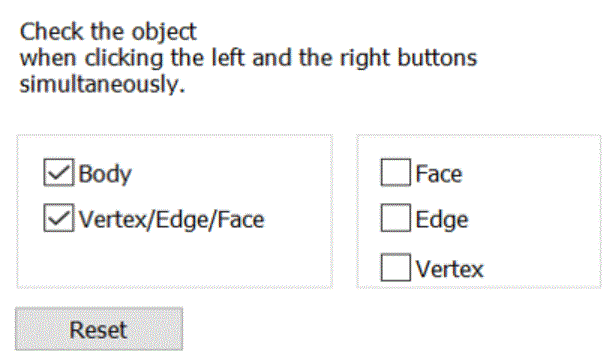
Switch Object |
Specifies the object for switching by clicking the left and right buttons simultaneously.
|


|
|
Home / User Interface / General settings / Switch Object
|
Setting Item |
Notes |
|
Switch Object |
Specifies the object for switching by clicking the left and right buttons simultaneously.
|