Home / Modeling / Black Box DB / How to Utilize Black Box DB
How to Utilize Black Box DB
Follow the procedure below.
-
Obtain black box DB files (.fvdb) from the DB owner, and save them in a folder.
|
|
-
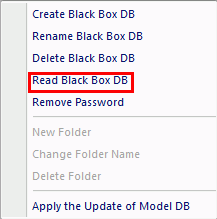
Read the black box DB as explained in [Black Box DB] > Read Black Box DB.
|
|
-
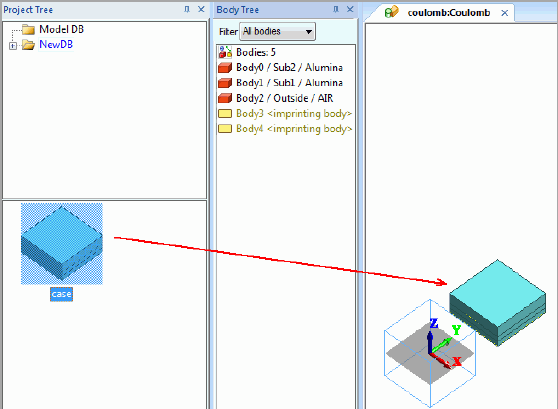
Select the black box DB folder on Model DB tree.
Drag and drop the model on to the modeling window.
|
|
-
Complete the whole model. Go to  on the [Model] tab. Click [Run Mesher/Solver] on the [Model] tab. Click [Run Mesher/Solver]  . .
-
Only Move, Rotate, Delete and mesh size change are executable for the model imported from black box DB.
The imported (substitute) model will be replaced with the actual model during the meshing.
-
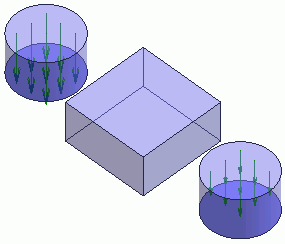
If the meshing fails, change the imported model's mesh size.
That will adjust the actual model's mesh size.
This mesh size adjustment might solve the problem.
|
|
-
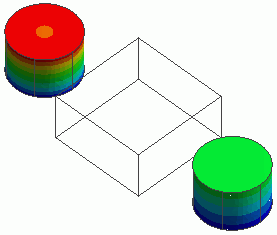
The simulation is completed.
|
|


