Femtet Help/Manual
 

Home / How to Create Project / New Analysis Model Creation / Insert New Analysis Model

Insert New Analysis Model

How to Insert a New Analysis Model

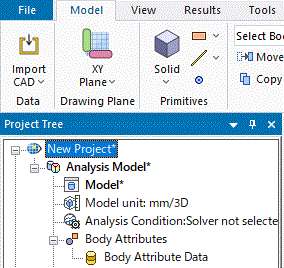
  1. On the project tree, select a project name.


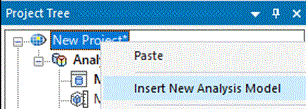
  1. Right click on it and click [Insert New Analysis Model].


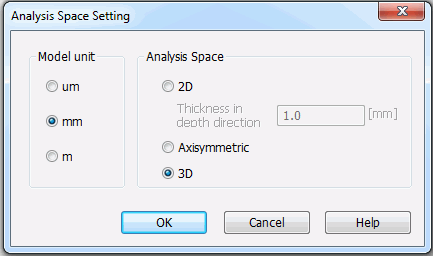
  1. Fill in unit and analysis space, and click OK.
     

  2. See [Analysis Space Setting] for the details.


  1. The 2D/axisymmetric analysis model will be created and opened automatically.
    An analysis model name is assigned automatically. Rename it as needed.