|
Home / User Interface / Screen Capture
Screen Capture
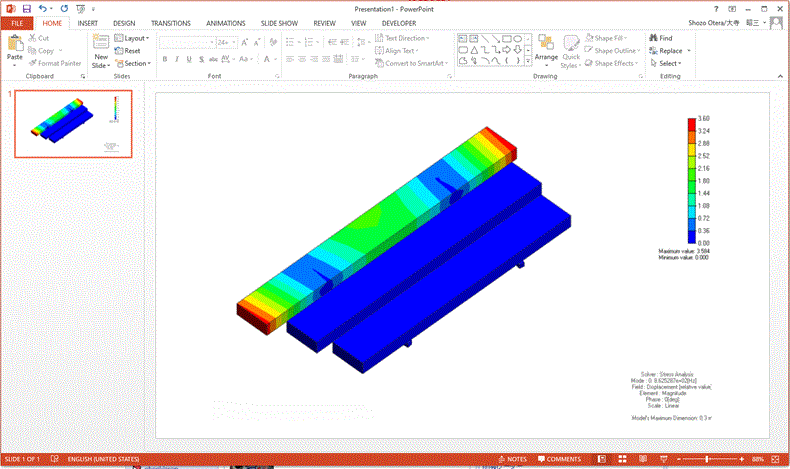
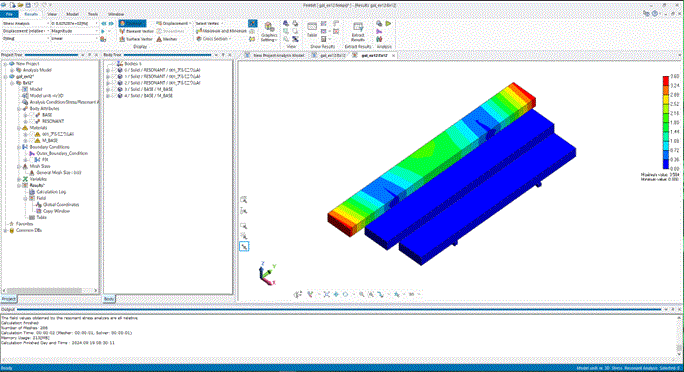
The Femtet screen can be captured and pasted on to the presentation software.
Click on the modeling or results window.
Press the <Ctrl> + <C> keys and capture the screen.
Then, go to the the software of your choice and paste it with the <Ctrl> + <V> keys.