


|
Home / Show Results / Result Field / Directivity in 3D
Directivity in 3D
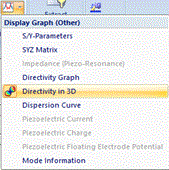
On the [Result] tab, click [Directivity in 3D] on the submenu of the [Show Characteristics Chart]. The directivity will be displayed in 3D.
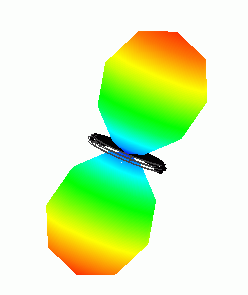
The area with high directivity will look swollen.
The setting information is indicated at the bottom right corner of the window.
-
The translucency is initially off for the 3D directivity display.
Click [View] tab - [Main Window] group - [Translucency] to enable it.
The translucency is based on that of the isosurface contour.
Its setting can be changed on the [Translucency] tab of the [General Settings]
-
On the [Result] tab
 , click ▼ at the right side of [Show Characteristics Chart]
and select [Directivity] on the submenu to display the directivity by graph.
This method can display the directivity in 3D.
Display Example
|
|
The display setting information like below shows up at the right bottom of the window.
|
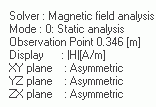
Display Setting
|
|
Click [Graphics Setup]
The display setting for the directivity can be changed on the [Directivity] tab. Depending on the analysis type, the setting items vary.
See [Directivity] for the detail. |
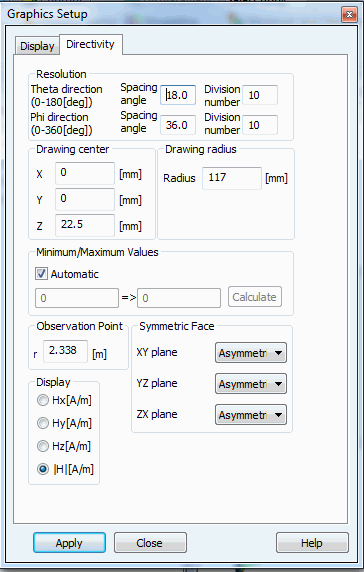
 . The dialog to set up the graphics will show up.