


|
Home / Show Results / Result Field / Show Maximum and Minimum
Show Maximum and Minimum
On the [Results] tab,

click [Show Maximum and Minimum]  .
.
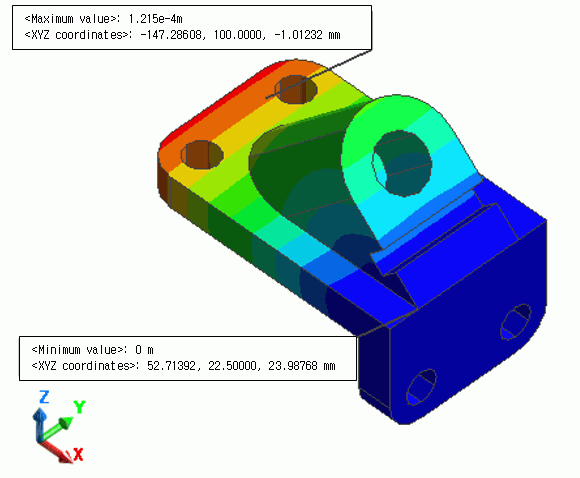
The field's maximum and minimum values and locations will be indicated on tooltips.
See [Tooltips].
See also [Calculating Field Values].
-
The maximum and minimum values are calculated with this function.
The maximum and minimum values of certain body, face, or edge can be calculated on the [Right-click menu].
|
|
Results to Display
In the selection box below, select the Field Type, Vector Component and Phase.
