
|
Home / Tutorial / 01. Macro Output
01. Macro Output
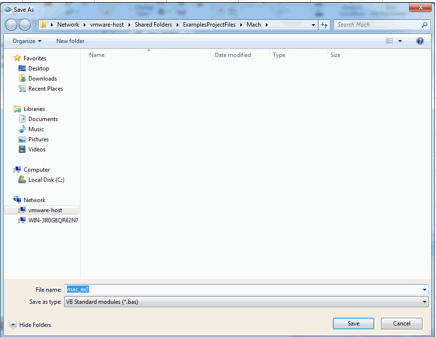
In this tutorial, macro will be created by using [Output Macros] function of Femtet.
Macro to create a model is automatically created.
Procedure
|
|
|
|
 .
.
 Prev
Prev


|
|
Home / Tutorial / 01. Macro Output
In this tutorial, macro will be created by using [Output Macros] function of Femtet.
Macro to create a model is automatically created.
|
|
|
|