


|
Home / Tutorial / Simple Fluid-Thermal Coupled Analysis (Pascal/Watt) / 03.Create the Ambient Air
03.Create an Air Domain
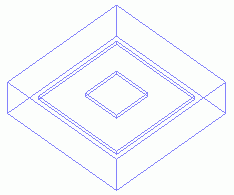
A box for the air domain is created.
Procedure
|
|
|
|
|
|
|
|
|
|
|
|
|
The box for the air domain (Air) has been created. |
* Shown by wireframe. |
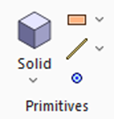 , click [Solid], and select [
 on the submenu.
 .
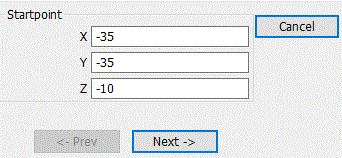
.
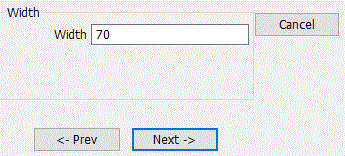
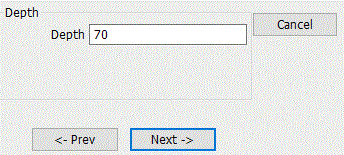
 .
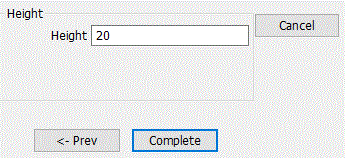
.
 in the parameter input dialog box and exit.
 Prev Next