|
Home / Tutorial / Piezoelectric Analysis (Rayleigh) / 03.Set the Analysis Conditions
03.Set the Analysis Conditions
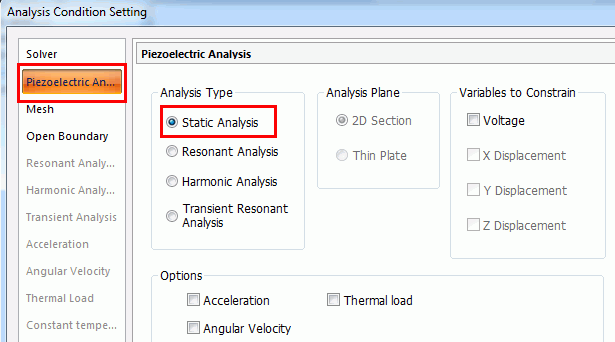
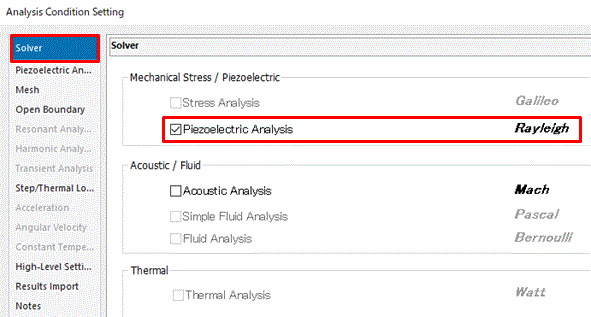
We set the analysis conditions.
Procedure
|
|
|
|
|
|
|
The analysis conditions have been set. |
|


|
|
Home / Tutorial / Piezoelectric Analysis (Rayleigh) / 03.Set the Analysis Conditions
We set the analysis conditions.
|
|
|
|
|
|
|
The analysis conditions have been set. |
|
 Prev Next

 .
.
 and exit.