


|
Home / Tutorial / Thermal Analysis (Watt) / 05'.Set the Boundary Conditions
05'.Set the Boundary Conditions (reference)
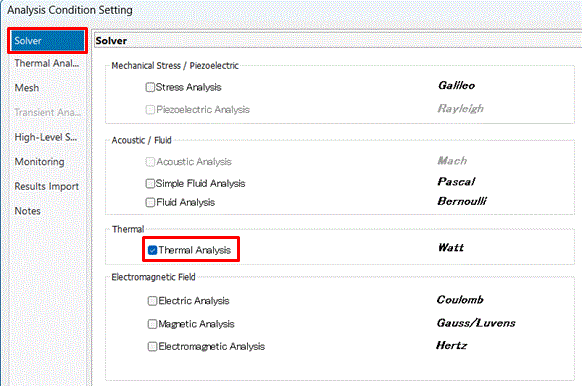
When the natural convection is taken into account where the model is surrounded by air,
analysis can be done with only the external boundary condition set in the [05.Set the Boundary Conditions]
As a common boundary condition setting method, setting with selected topologies is described here.
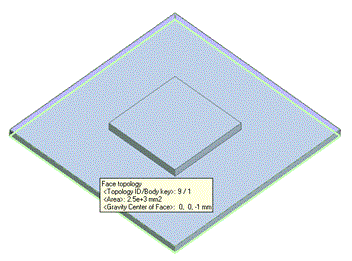
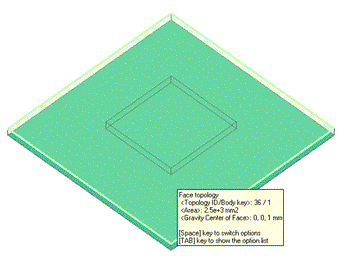
Assuming that the substrate is placed on the object with ambient temperature and the temperature is fixed at the ambient temperature between the substrate and the object,
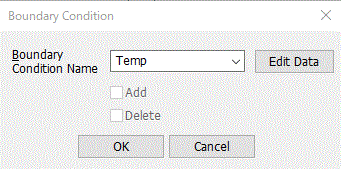
we set the boundary condition of temperature on the bottom face of the substrate.
Temperature at the bottom face is 25[deg] as the natural convection (automatic calculation) is set for the outer boundary condition.
Model faces other than the bottom face are treated as the boundary condition of the natural convection.
Procedure
|
|
||||||
|
|
||||||
|
|
||||||
|
|
||||||
|
|
||||||
|
|

 .
.


 .
.
 .
.
 Prev
Prev