Home / Tutorial / Magnetic Analysis (Gauss, Static Analysis) / 03.Create the Coil Section
03.Create a Cross Section of Coil
We create a cross section of coil.
Procedure
-
First, we change the drawing plane.
On the [Model] tab, go to  and click ▼ under and click ▼ under  . Click [ZX Plane] . Click [ZX Plane]  on the submenu. on the submenu.
-
See [Drawing Plane] for the details.
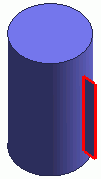
The drawing plane has been changed.
|
|
|
-
Draw a rectangle (sheet body).
On the [Model] tab, go to  and click [Rectangle [Specify Length]] and click [Rectangle [Specify Length]]  . .
|
|
|
-
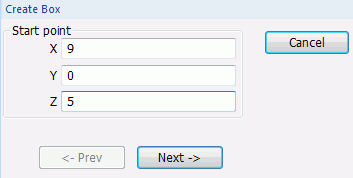
Designate the startpoint.
In the parameter input dialog box, enter Startpoint (X: 9, Y: 0, Z: 5) and click 
|
|
-
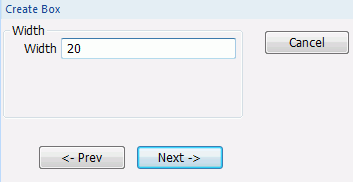
Specify the width.
Enter Width: 20 and click .
|
|
-
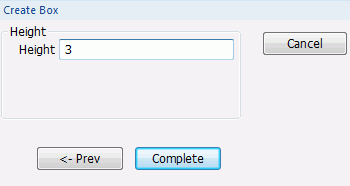
Specify the height.
Enter Height: 3 and click  . .
|
|
-
Click  in the parameter input dialog box and exit. in the parameter input dialog box and exit.
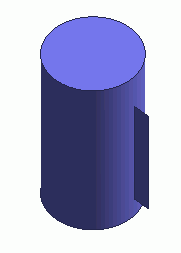
The cross section of coil has been created.
|
|



 Prev Next