Femtet Help/Manual
 

Home / Tutorial / Magnetic Analysis (Gauss, Static Analysis) / 07.Run the Mesher and the Solver


00

01

02

03

04

05

06

07

08

09

07.Run the Mesher and the Solver

Run the solver.

Procedure

  1. On the [Model] tab, go to ,

    and click [Run Mesher/Solver] .

    The calculation will start.


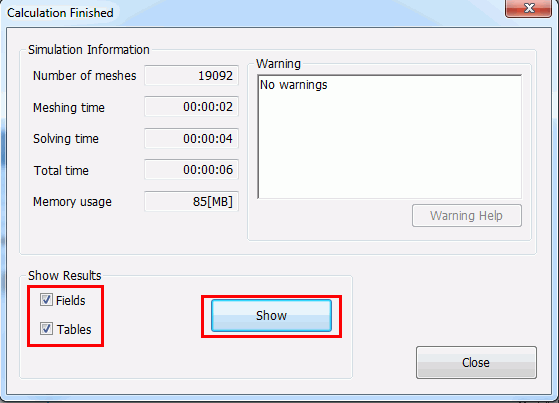
  1. The [Calculation Finished] dialog box will show up when the calculation finishes.

    Select both [Field] and [Table]

    and click .

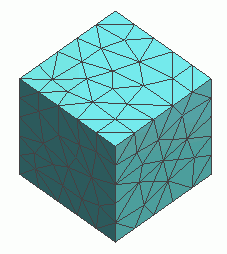
The screen will change to Results Window, and the meshing result will show up.
The table will also show up.


Prev Next