Home / Tutorial / Magnetic Analysis (Gauss, Static Analysis) / 04.Create the Coil
04.Create a Coil
Rotate the cross section of the coil that was created in the preceding session, and create a coil.
Procedure
- On the [Model] tab, go to

and press ▼ at the side of
[Extrude] . .
Then click [Revolve] on the submenu. on the submenu.
(Alternatively, right-click the mouse. On the appearing menu, select [Deform]-[Revolve]) |
|
|
-
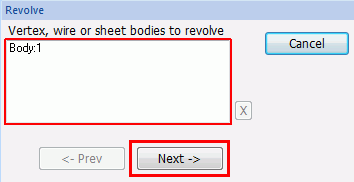
On the , bring the mouse cursor to the cross sectional body of the coil, highlight it and left-click to select.
|
|
|
-
Click  in the [Revolve] dialog box. in the [Revolve] dialog box.
|
|
|
-
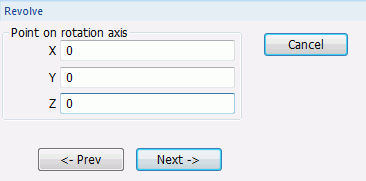
Specify the point on the rotation axis.
In the parameter input dialog box, enter Point on Rotation Axis (X: 0, Y: 0, Z: 0) and click .
|
|
-
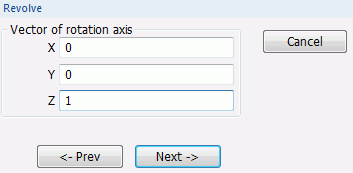
Specify the direction vector of the rotation axis
Enter Vector of Rotation Axis (X: 0, Y: 0, Z: 1) and click
|
|
-
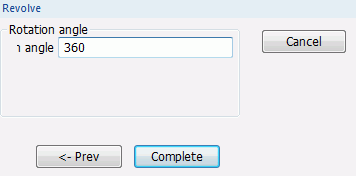
Specify the rotation angle.
Enter Rotation Angle: 360 and click 
|
|
|
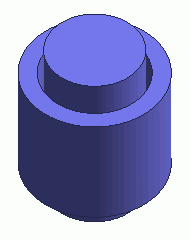
A coil has been created.
Model creation has been completed. |
|



 Prev Next