


|
Home / Tutorial / Electromagnetic Analysis (2D Waveguide Analysis) (Hertz) / 05.Create the Integral Path
05.Create an Integral Path
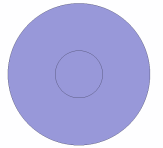
A line for the integral path is created
|
|
|
|
|
Before |
|
After |


Procedure
|
|
|
|
|
|
|
|
|
|
|
|
A line for the integral path has been created. |
|
 .
. .
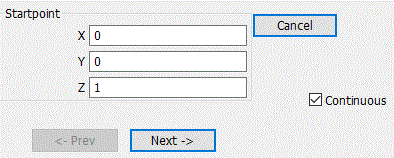
.
 .
.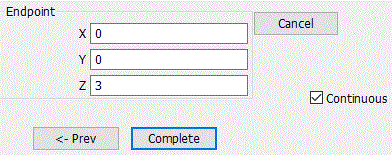
 in the parameter input dialog box and exit.
 Prev Next