Home / Tutorial / Fluid Analysis (Bernoulli) / 04.Create the Obstacle (Cylinder))
04.Create an Obstacle (Cylinder)
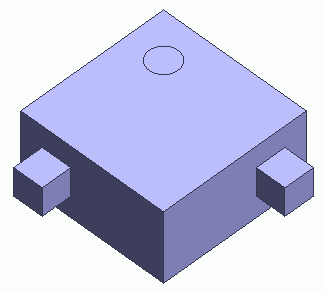
An obstacle (cylinder) is created.
Procedure
-
On the [Model] tab, go to 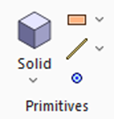 and click [Solid] - [Cylinder (Solid body)] and click [Solid] - [Cylinder (Solid body)]  . .
|
|
|
-
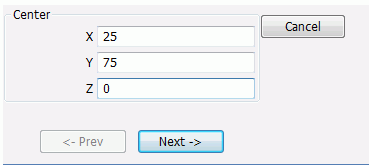
Designate the center., enter Center (X:25, Y:75, Z:0) and click  . .
|
|
|
-
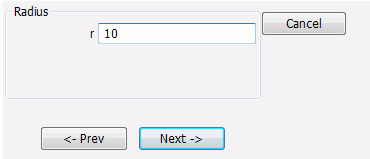
Specify the radius.
Enter Radius: 10 in the parameter input dialog box and click .
|
|
|
-
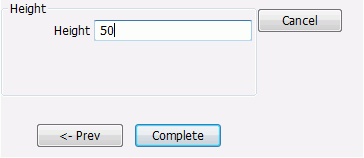
Specify the height.
Enter Height: 50 in the parameter input dialog box and click  . .
|
|
-
Click  in the parameter input dialog box and exit. in the parameter input dialog box and exit.
-
It is also possible to exit with the <Esc> key.
The obstacle (cylinder) has been created.
-
To fit the model on the modeling window, go to the [Model] tab,
and click [Fit]  on on  . .
See [Viewpoint Operation] for the details.
|
|


 Prev Next