Home / Tutorial / Stress Analysis (Galileo) / 02.Create the Cylinder for the Outer Case Frame
02.Create a Cylinder for the Outer Case Frame
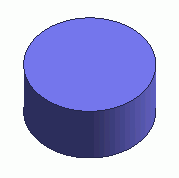
A cylinder is created.
Procedure
-
On the [Model] tab, go to 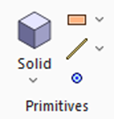 and click ▼ at the bottom of [Solid] and click ▼ at the bottom of [Solid]  . Select [Cylinder] . Select [Cylinder]  on the submenu. on the submenu.
|
|
|
-
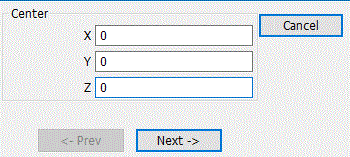
Designate the center., enter Center (X: 0, Y: 0, Z: 0) and click  . .
-
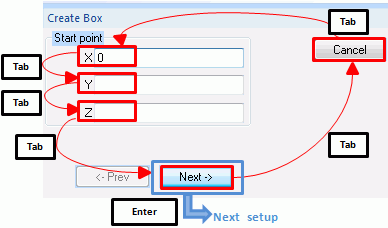
Tips on the parameter input dialog box
If the input value is nil, you don't need to enter 0 in the entry field. The blank is acceptable.
Press the <Tab> key to hop around the items in the dialog box.
Press the <Enter> key on to proceed to the next setting.
|
|
|
-
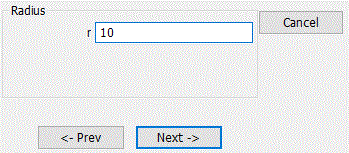
Set the radius.
Enter Radius: 10 and click .
|
|
|
-
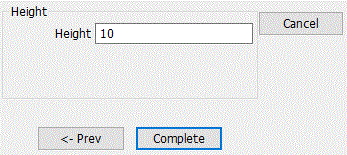
Set the height.
Enter Height: 10 and click  . .
|
|
-
Click  in the parameter input dialog box and exit. in the parameter input dialog box and exit.
|
|
-
To fit the model on the modeling window, go to the [Model] tab,
and click [Fit]  on on  . .
See [Viewpoint Operation] for the details.
|
|
-
You can undo or redo the operation. The operations can be changed as follows;
In the 
click [Undo]  to undo the modeling or attribute operation. to undo the modeling or attribute operation.
click [Redo]  to redo the modeling or attribute operation. to redo the modeling or attribute operation.
|
|


 Prev Next